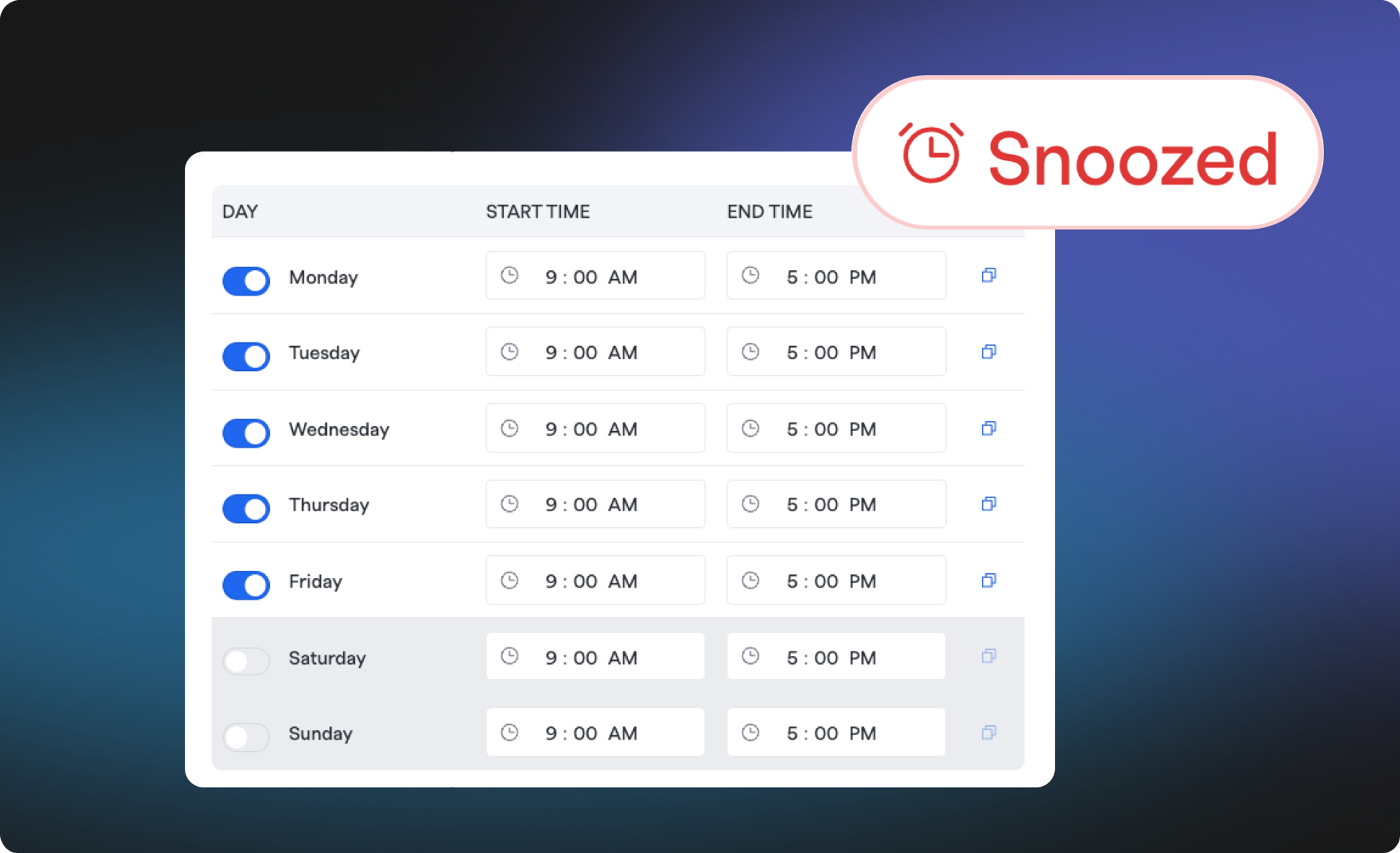
Delayed Alerts Based on Support Hours#delayed-alerts-based-on-support-hours
When an alert comes in outside of your team's configured support hours and falls below your threshold, FireHydrant snoozes it until your team's next support window starts. At that point it re-enters your escalation policy from the top and your team is notified as usual, so nobody is paged in the middle of the night for something that can wait until morning.
To learn how to configure the updated functionality see the Team Support Hours documentation.
Off-hours Priority Threshold#off-hours-priority-threshold
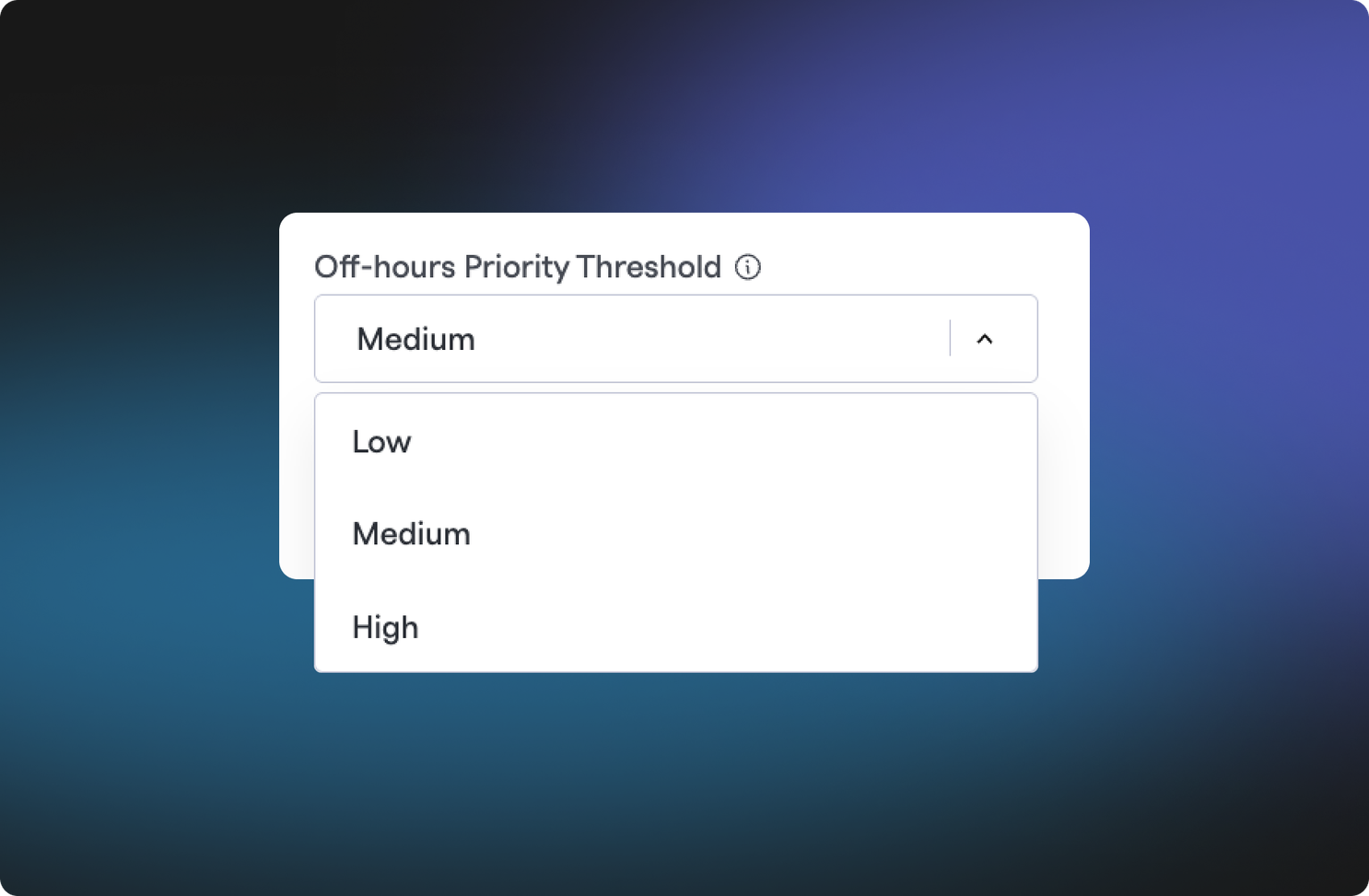
You control what counts as urgent with the new Off-hours Priority Threshold. Alerts above the threshold always notify your team right away, no matter the time, while alerts at or below it are delayed. One threshold applies to the whole team, and any weekday without a shift configured is treated as off-hours all day.
Off-hours Notification Destination#off-hours-notification-destination
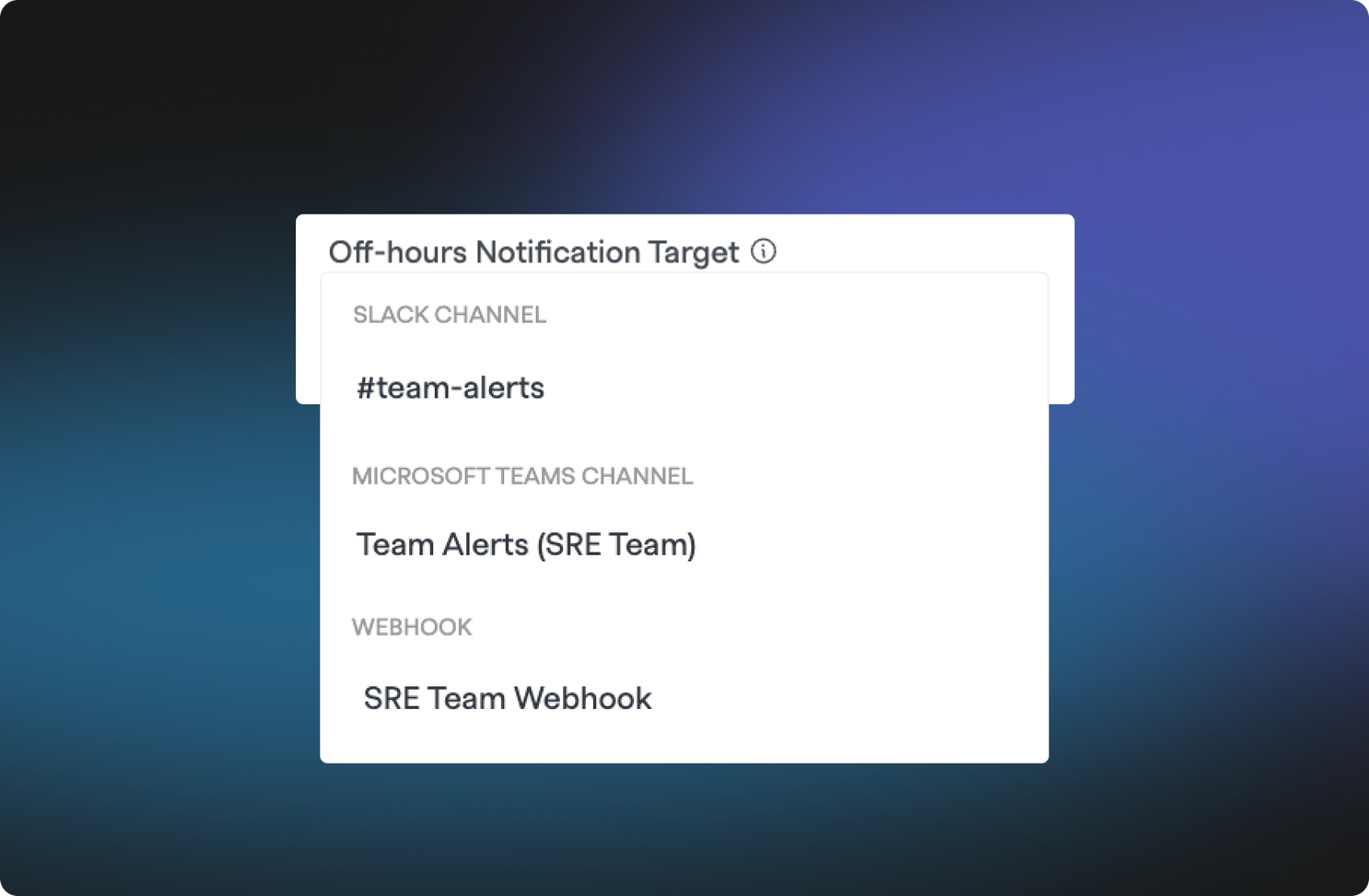
You can also choose an Off-hours Notification Destination so your team knows what's queued without anyone getting paged. Point it at a Slack channel, a Microsoft Teams channel, or a Webhook Target and you'll get a heads-up whenever a below-threshold alert arrives off-hours.
Seeing What's Been Snoozed#seeing-whats-been-snoozed
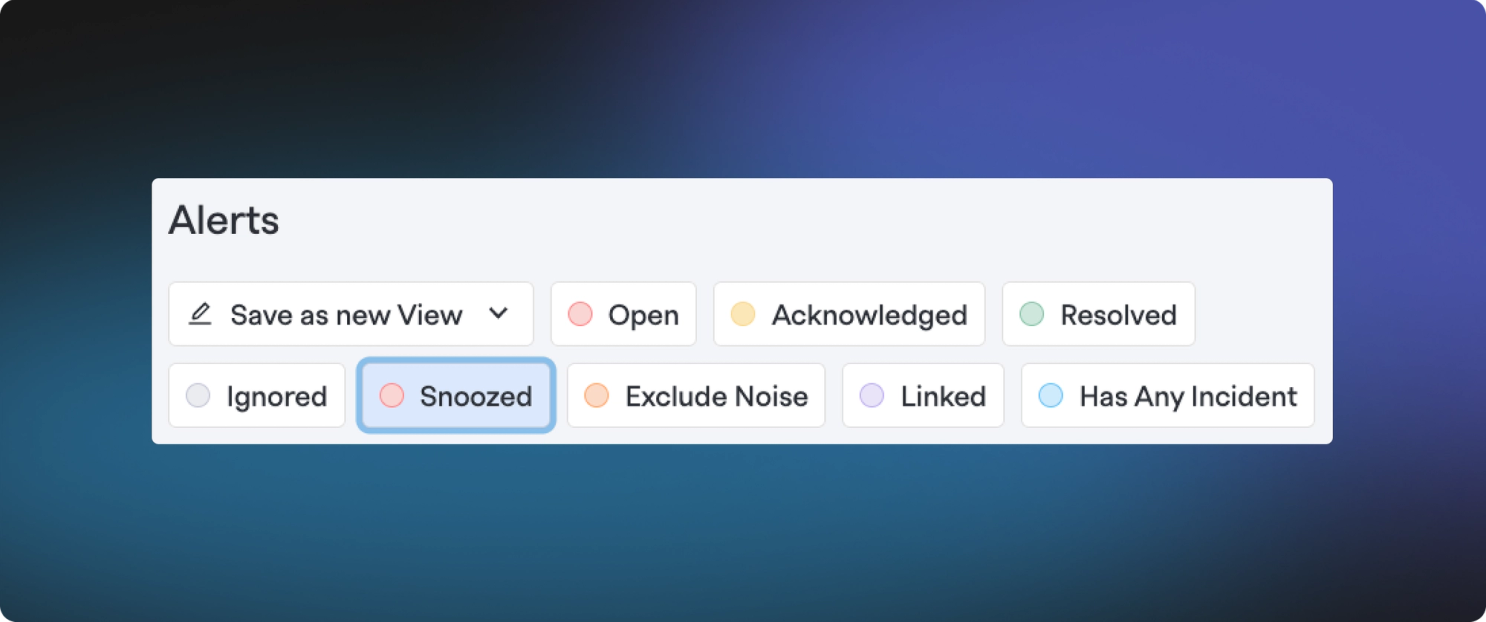
Nothing is silently dropped. Use the Snoozed filter on the alerts page to see everything currently in a snoozed status for the next support window, and check an alert's timeline to see when it was snoozed by support hours and when it will retrigger.
What Happens to Your Existing Support Hours#what-happens-to-your-existing-support-hours
There's nothing you need to do today. The new delayed alerts functionality is opt-in per team. Every support hours configuration you've already set up will be maintained as it is now, and you can opt in to the new behavior when you're ready. In January 2027, we'll move any remaining teams over to the new behavior. We're waiting until after the end-of-year holiday season so the change doesn't land during your busiest weeks. Before then, it's a good time to review your teams' support hours and decide on the off-hours threshold and notification destination you'd like each team to have.
That's all for now! As you start enabling the new support hours functionality for your teams, we'd love to hear how it's going. If you have any questions or comments, our team is here to help.