Hey there, firefighters 🧑🚒 We've been busy creating new global instances, adding transcriptions to MS Teams, enabling more functionality for role restrictions, and many quality of life improvements.
Take a look at what's shipped last month!
🌍 FireHydrant EU Instance Now Live#firehydrant-eu-instance-now-live
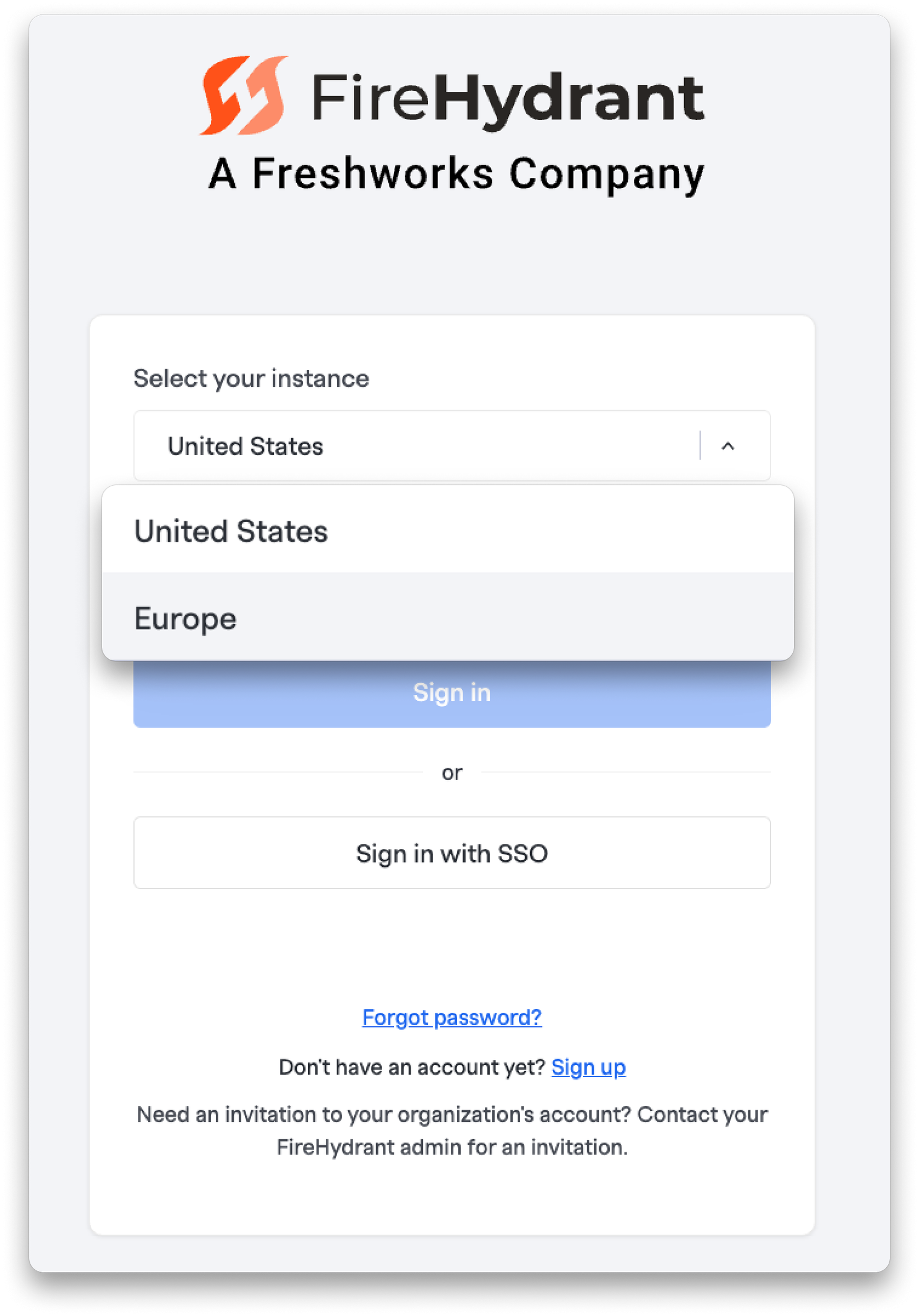
FireHydrant is now available in the EU at app.eu.firehydrant.io. The full incident lifecycle is operational in the EU region — alerts, on-call scheduling, incident declaration, responder management, status page updates, and retrospectives. Integrations including Slack, Jira, Confluence, Google Docs, Google Meet (with transcription), and SMS, voice, and email notifications are all verified and working. Mobile users on iOS can select their region (North America or Europe) right at login. Documentation has been updated across the board to reflect EU regional access — check it out if you're getting started.
✨ Download AI Transcripts as CSV#download-ai-transcripts-as-csv
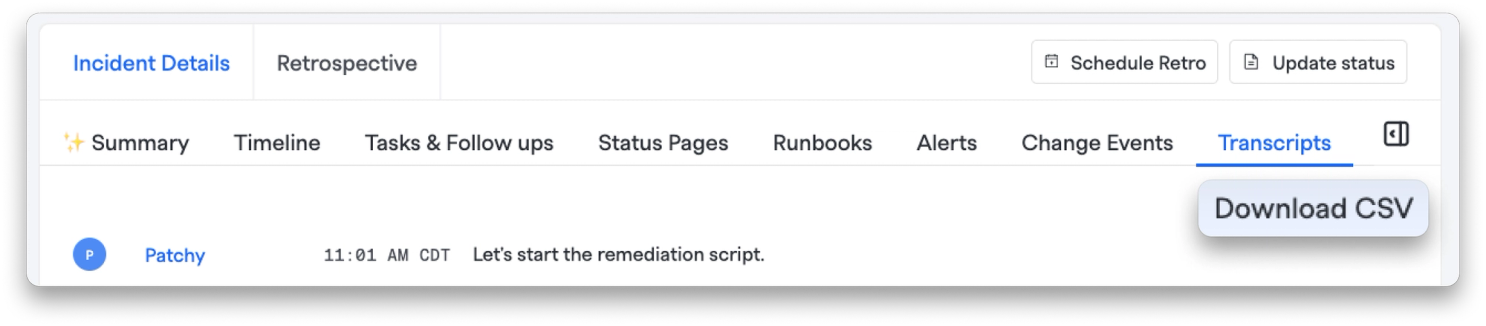
You can now download AI transcripts from incident bridges as a CSV file directly from the Incident transcripts tab. Whether you need to share a transcript with stakeholders, feed it into another tool, or keep it for your records, it's just one click away.
🔐 Role Restrictions for Incident Severities#role-restrictions-for-incident-severities
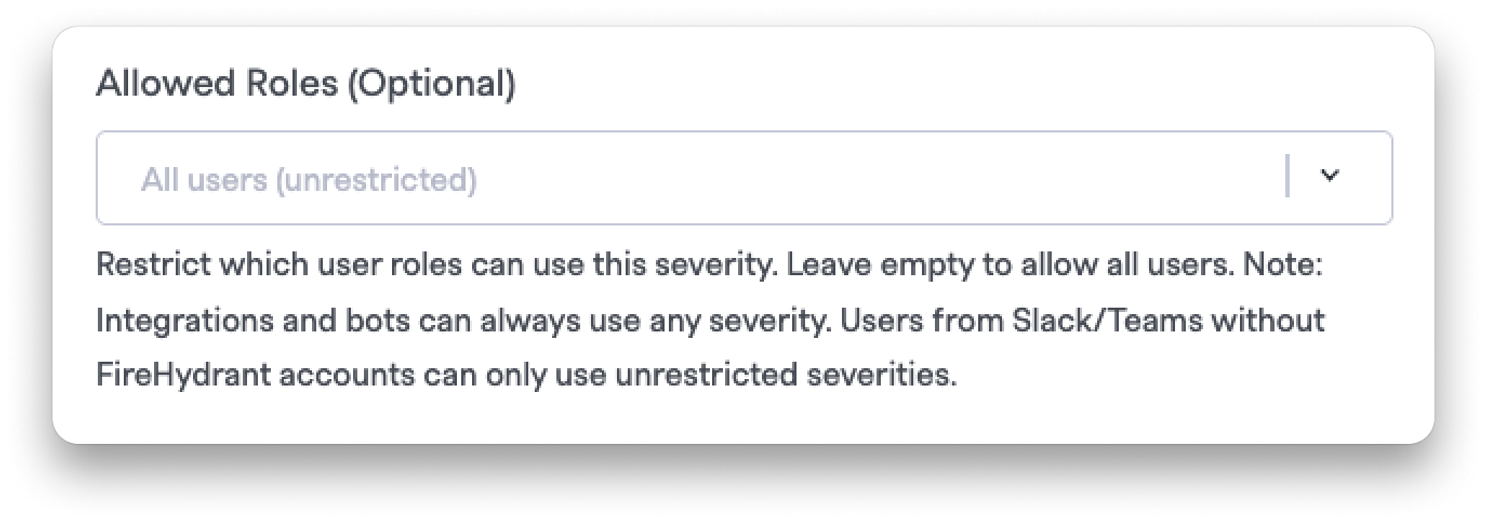
All severities can now have role-based access restrictions configured, just like custom severities. This gives you finer-grained control over who can declare incidents at these severity levels, helping enforce your organization's escalation policies across the board.
🎙️ Incident Scribe for MS Teams#incident-scribe-for-ms-teams
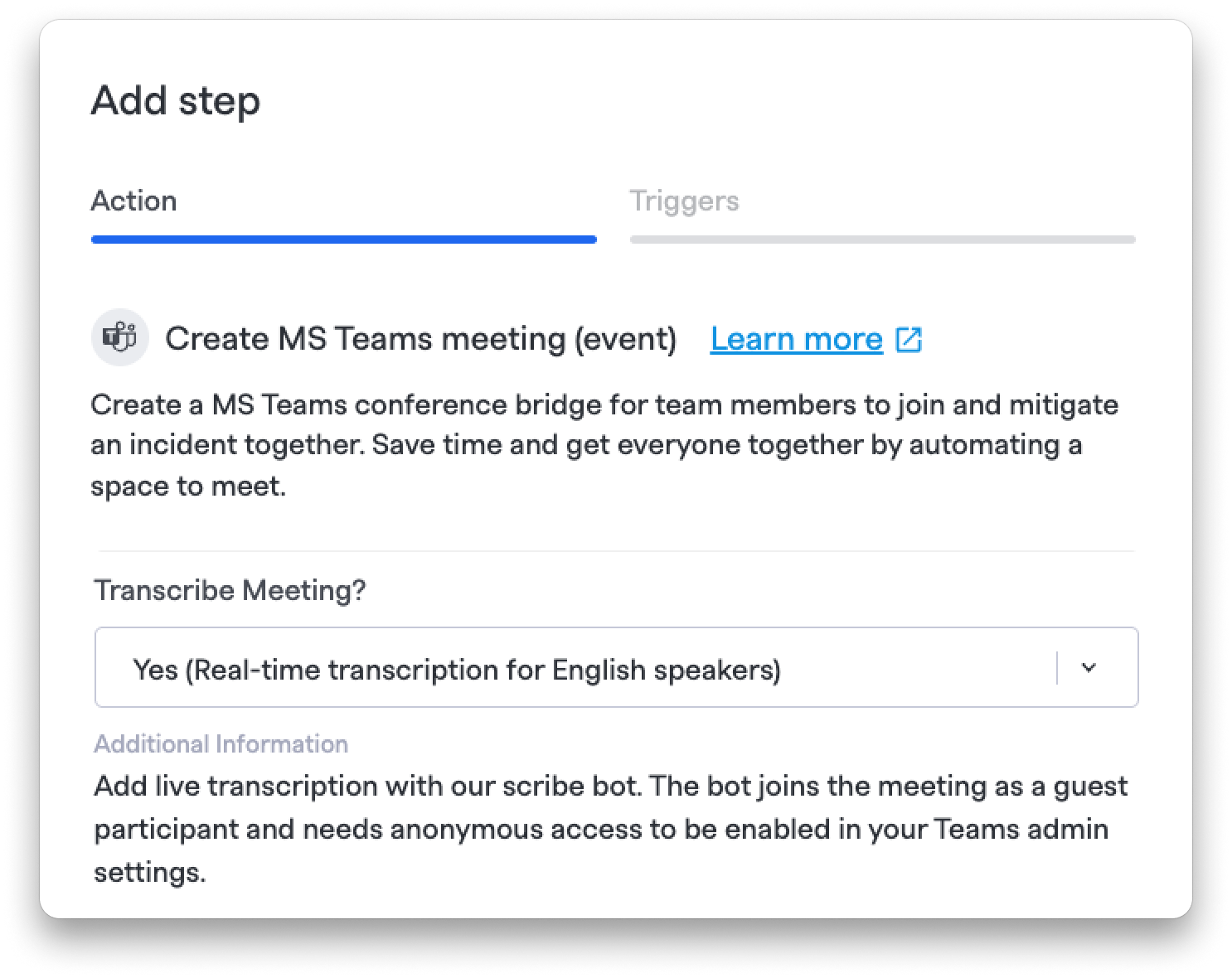
The Incident Scribe bot now supports Microsoft Teams meeting runbook steps, enabling real-time or post-meeting transcription alongside the existing Google Meet support. When you page a team into an MS Teams meeting, the Scribe will automatically join and capture the conversation for your incident record.
📢 Page Signals Teams from Slack#page-signals-teams-from-slack
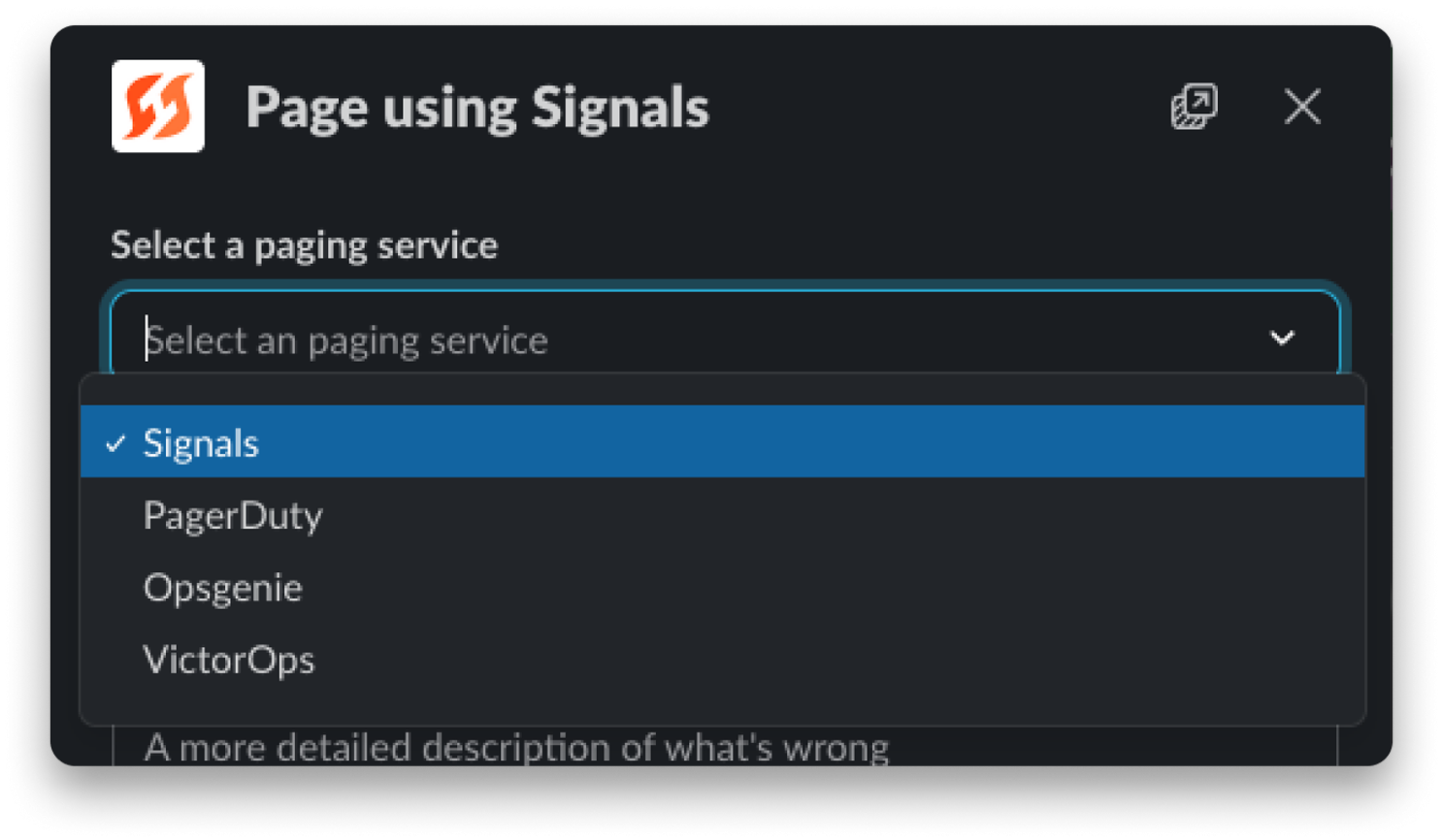
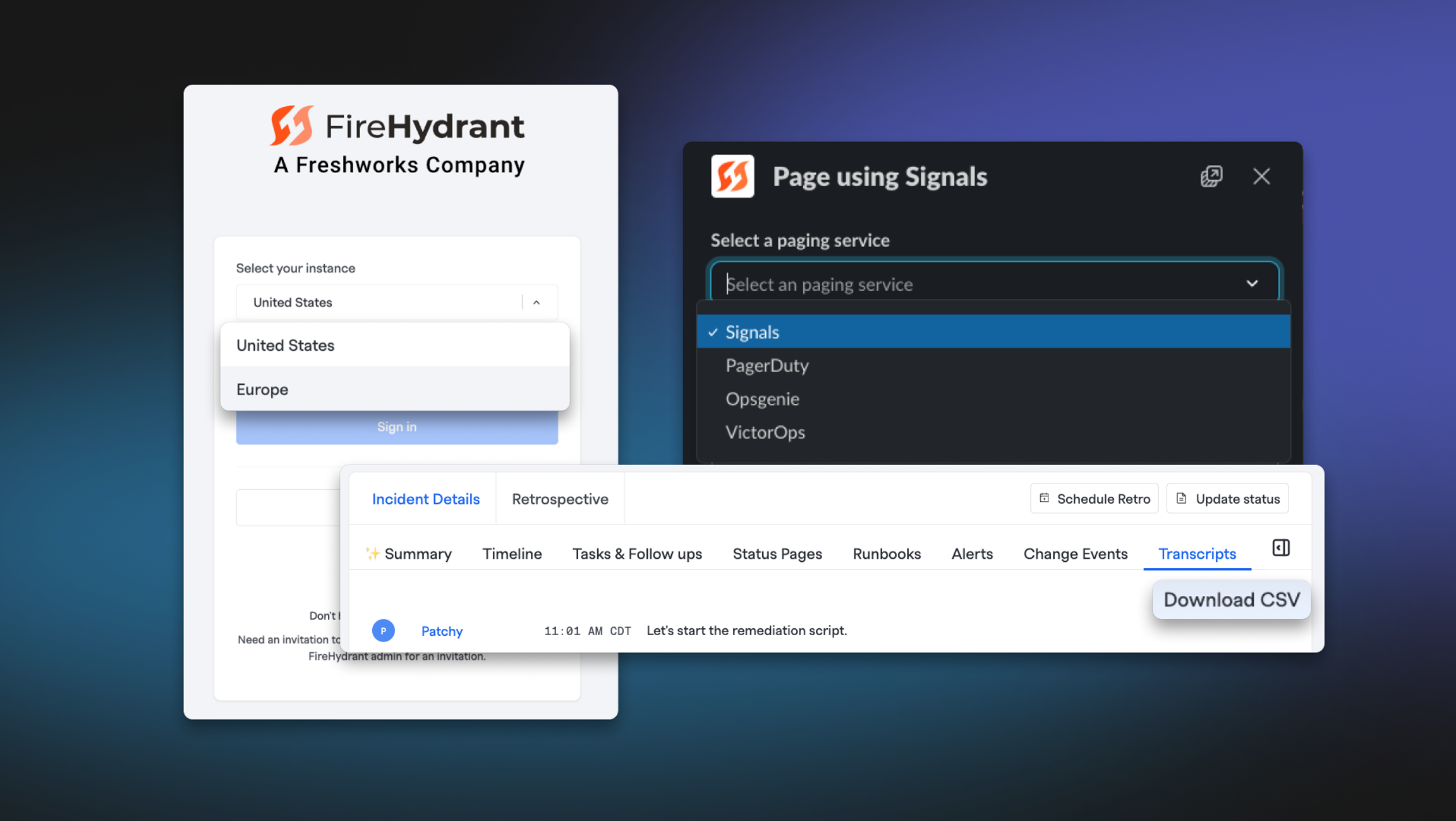
The /fh page service Slack command now supports paging teams via Signals. Previously, only services linked to external alerting providers (PagerDuty, Opsgenie, etc.) could be paged. Services with Signals-configured responding teams now appear in the dropdown and page each team's default escalation policy when submitted.
💅 Improvements#improvements
- On-call Report Export: The on-call shift hours CSV export now includes two new columns: incident count (number of distinct incidents the user was involved in during the export period) and active time in incidents (total hours of incident involvement).
- Cleaner Slack channel invites: External, guest, and departed Slack users will no longer appear as selectable options in the "Invite to Slack incident channel" runbook step.
- Webhook delivery redesign: We've refreshed the design of webhook deliveries for a cleaner, more readable experience.
- Integration project dropdown cleanup: When adding projects in an integration, we now only show projects that haven't already been added.
- Watch resolved incidents: The "watch" button in the Command Center header will work for resolved incidents.
- Links pagination: Command Center sidebar now shows a "See more" button to load additional incident links beyond the initial 10.
🐛 Bug Fixes#bug-fixes
- Incident Scribe name attribution: Fixed a bug where, after reinviting the Incident Scribe bot to a Google Meet, messages from new participants would incorrectly display another attendee's name in Slack and the web UI.
- Fixed nested bullet spacing: Bullet spacing is now consistent when using nested lists in editors.
- Jira field mapping editing: Fixed an issue where users could not remove or edit conditional (if-then) field mappings in the Jira integration due to a hidden Remove button and validation errors.
- Milestone change detection: Fixed a bug where runbook steps configured with "milestone changes" conditions would fire on milestone timestamp edits even when no actual milestone transition happened.
- MTTR/MTTA analytics: Fixed a bug that was preventing MTTR and MTTA data from showing in Alerts Analytics.
- CSV exports in multi-org: Fixed a bug where downloading a CSV of incident timelines or transcripts outside of your primary organization would fail due to missing org scoping on export routes.
- Required severity fields: Fixed a bug where required incident fields were allowed to be empty in alert routing configurations that open incidents.
- Severity selector: Prevented the UNSET option from appearing in the severity selector when severity selection is required.
- Retrospective template preview: Fixed the retrospective template show page to display the preview version instead of the edit view.
- Retroactive template timestamps: Fixed inaccurate updated_at timestamps on retrospective templates.
- Viewer role permissions: Prevented members with viewer roles from being assigned team permissions in the team page.
- Emoji support in PDFs: Emojis now appear correctly in retrospective PDF exports.
That's all for April! As always, if you have any questions or feedback, our team is here to help.