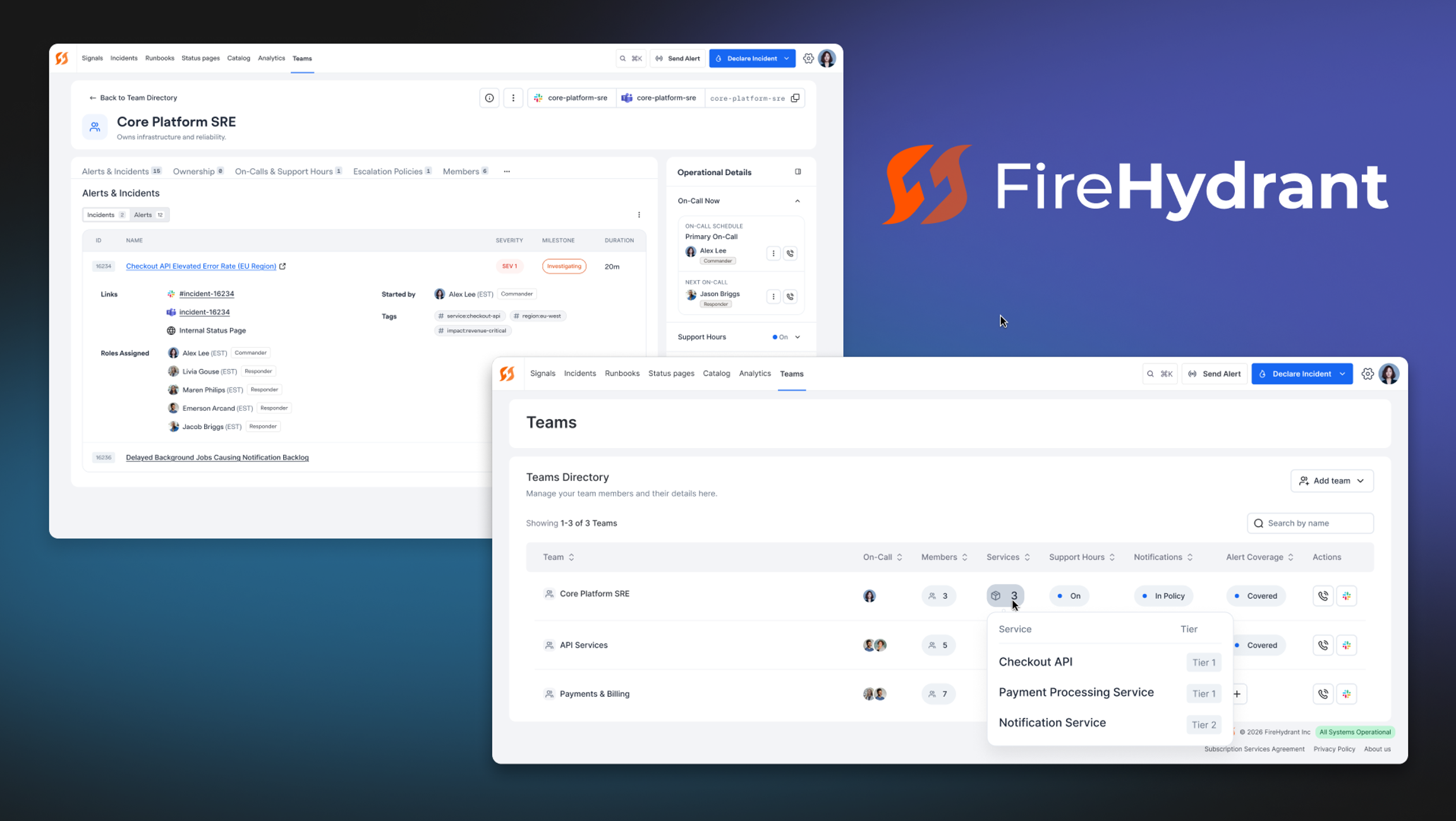
Hey there, firefighters 🧑🚒 Over the past week we've rolled out a redesigned Teams experience, and it's already live in your account. It's purely additive: nothing changes about how you work today, you've just got a lot more visibility and a lot fewer clicks. Here's everything that's new.
✨ Redesigned Teams Directory#redesigned-teams-directory
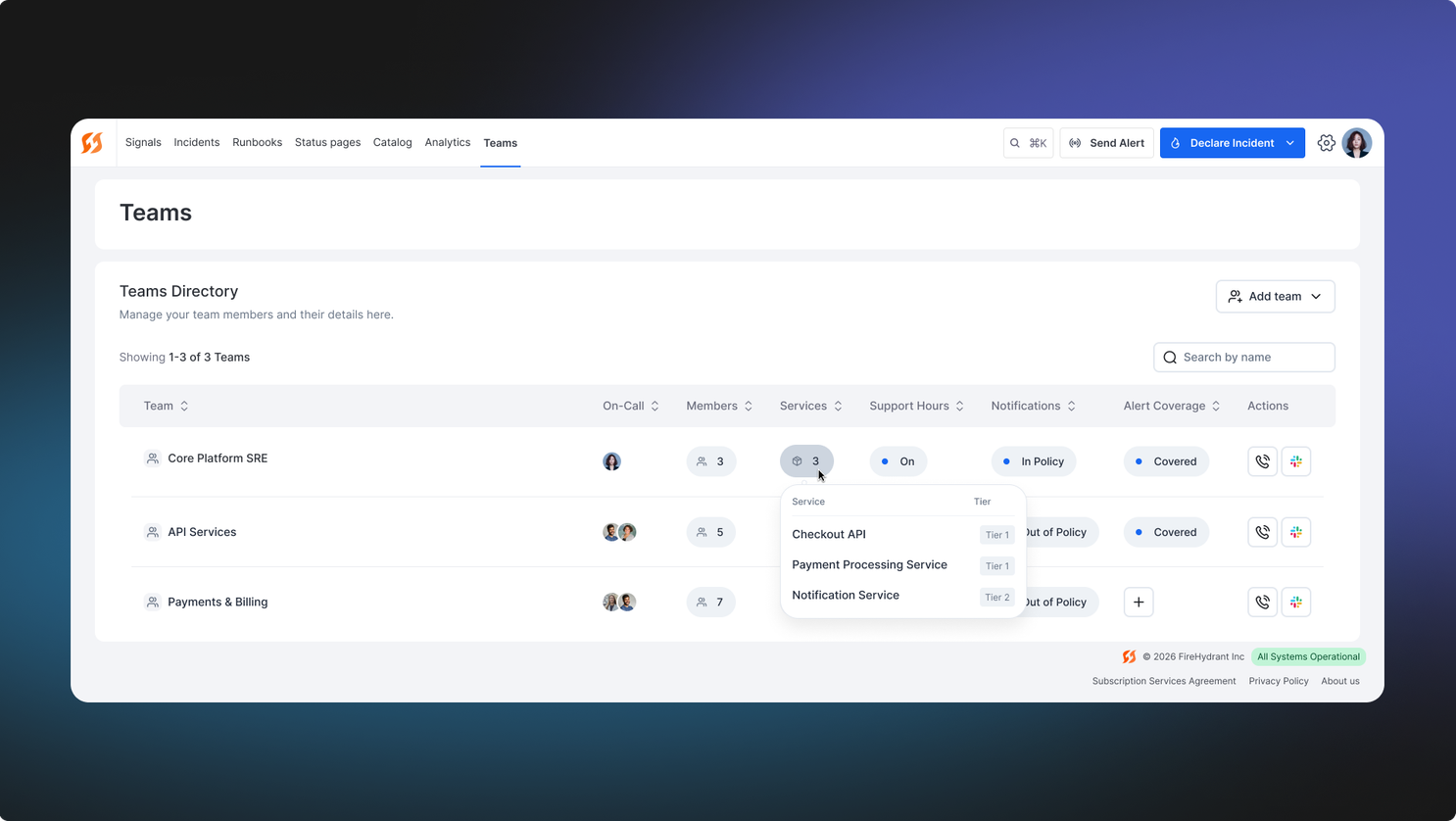
The Teams directory has been completely rebuilt to surface more information at a glance and cut down on the number of clicks it takes to get things done. Every team now shows live status columns right in the table: On-Call, Members, Services, Support Hours, Notifications, Alert Coverage, and Readiness so you can assess the health and coverage of your teams without having to open each one individually.
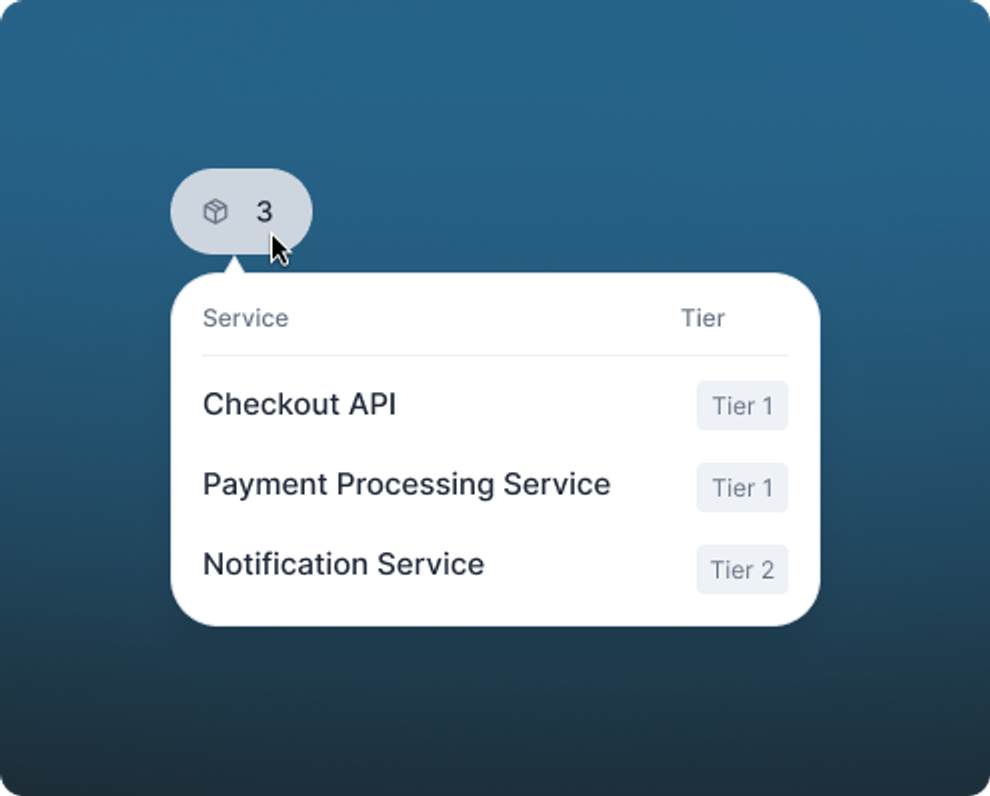
Status badges throughout the directory are interactive, not just decorative. Hover over any badge to see details like each member by name alongside their incident role, the services a team owns, who’s on call, and a team’s support hours. It's a small touch, but it means you can answer "who's actually on this team and what do they do?" without ever leaving the directory.
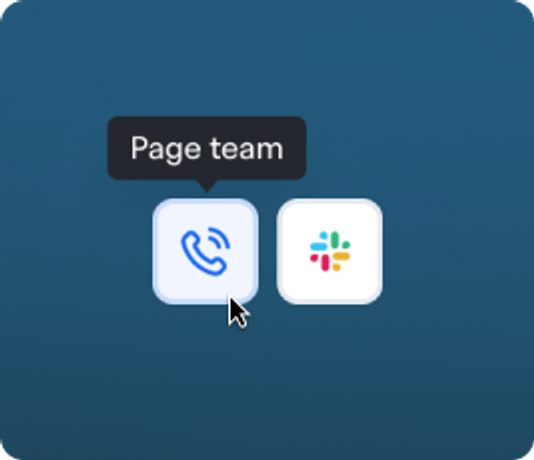
We've also added quick actions to the Actions column on every row. You can now page a team directly using the call icon, or open the team's Slack channel with the Slack icon; both without navigating away. When something's on fire and you need to reach a team fast, fewer clicks matter.
🔍 Team Quickview Drawer#team-quickview-drawer
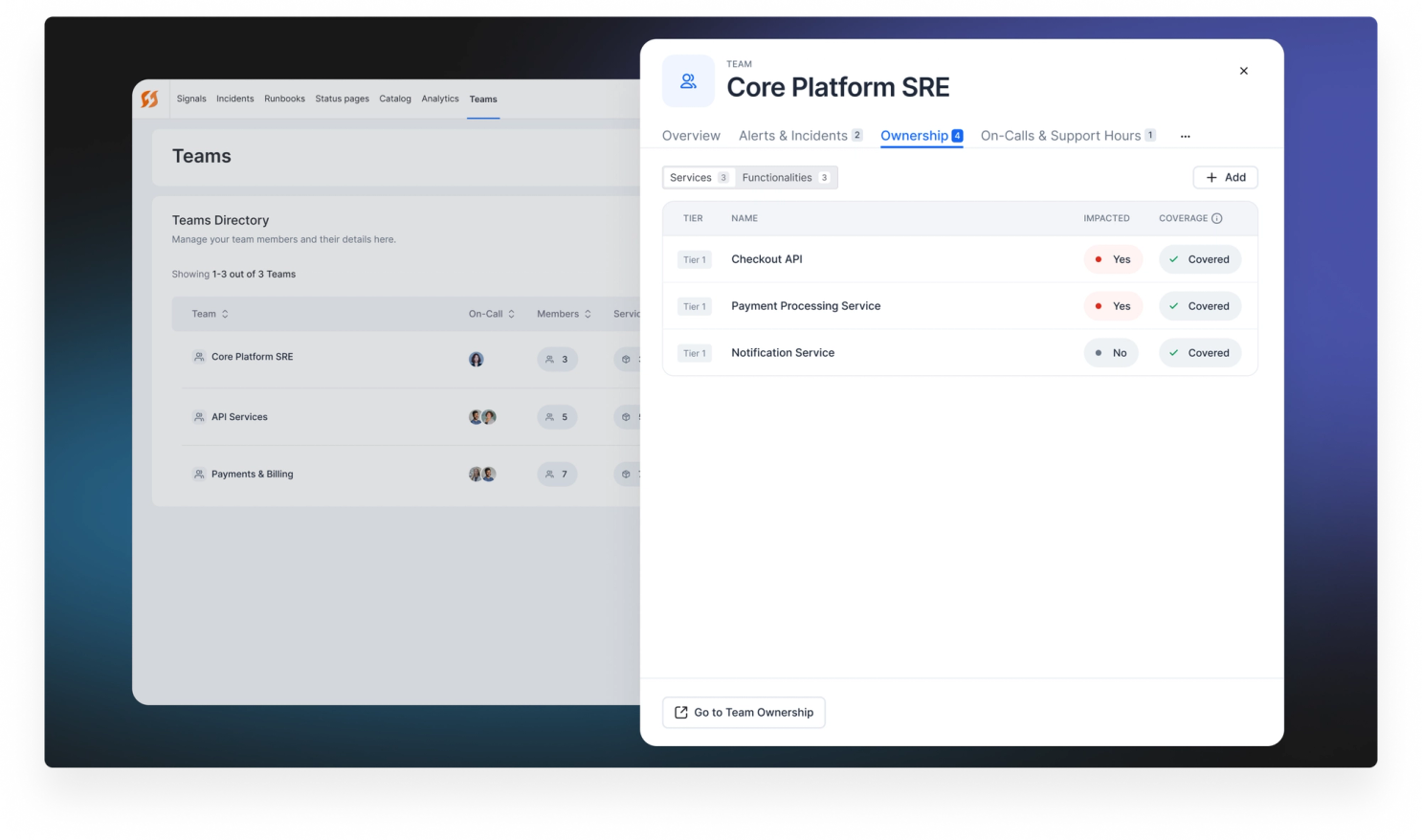
Each team row now has a “Quickview” button that opens a read-only side drawer, letting you review everything about a team without losing your spot in the directory. The drawer surfaces all the same tabs you'd find on the full team detail page, so you're not getting a watered-down summary, you're getting the real thing, just scoped to a panel.
Each tab in the drawer includes a "Go to…" action that takes you directly to the relevant page when you need to see more details or make configuration changes. It's designed for the moments when you need to orient yourself fast. When you're ready to act, getting there is just one click away.
📋 Redesigned Team Detail Page#redesigned-team-detail-page
The team detail page has been reorganized around a scrollable tab bar to make it easier to navigate everything a team owns: Incidents & Alerts, Ownership, Members, On-call & Support Hours, Escalation Policies, Alert Triggers, Call Routes, Runbooks, and Analytics. Instead of hunting across separate pages, everything is one click away from a single place.
A few tabs have been meaningfully redesigned, not just reshuffled.
- Incidents & Alerts tab now surfaces both in a unified tab with sub-tabs for each entity. Alerts are no longer buried in a separate location, so you get a complete picture of what a team is responding to in one view.
- Ownership tab has been rebuilt with separate Services and Functionalities sub-tabs, each showing a table with Tier, Impacted, Coverage, and Last Updated columns.
- On-call & Support Hours tabs have been pulled into a single tab with sub-tabs for each, replacing the previous separate configuration locations.
- Alert Triggers tab now includes sub-tabs for Rules and Webhooks.
Finally, a new, collapsable right side panel is available on the team detail page. It's the kind of ambient context that used to require a few clicks to find, and it's now just always there when you need it.
- On-Call Now card shows the full list of individuals that are currently on-call for all team schedules
- Support Hours card shows the current support hours status and the set configuration
- Shift Coverage card highlights any unclaimed shifts in the next 60 days across all team schedules
That's all for this changelog! As always, if you have any questions or feedback, our team is here to help.